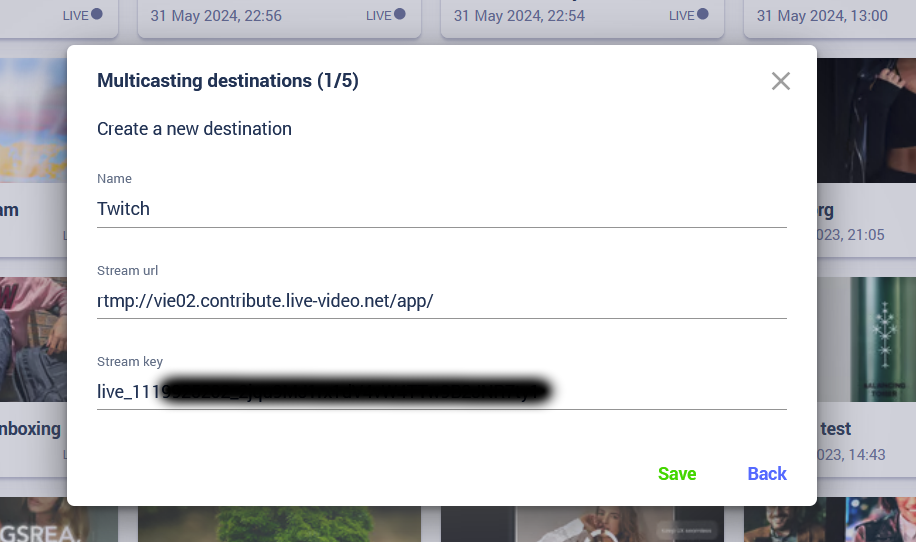
Appearance
Twitch as simulcast destination
Find your stream key
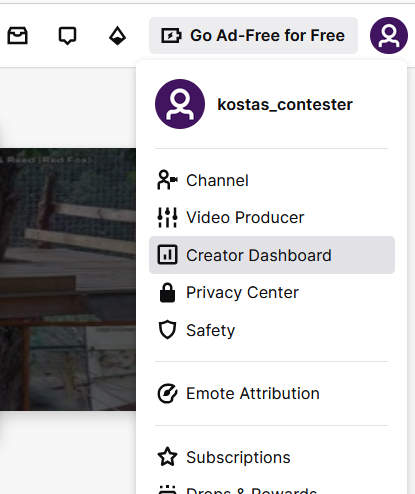
Step 1 - Go to Creator Dashboard
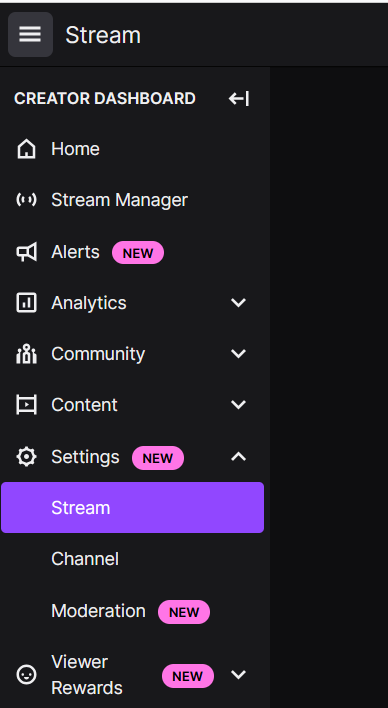
Step 2 - Click on Settings -> Stream under menu
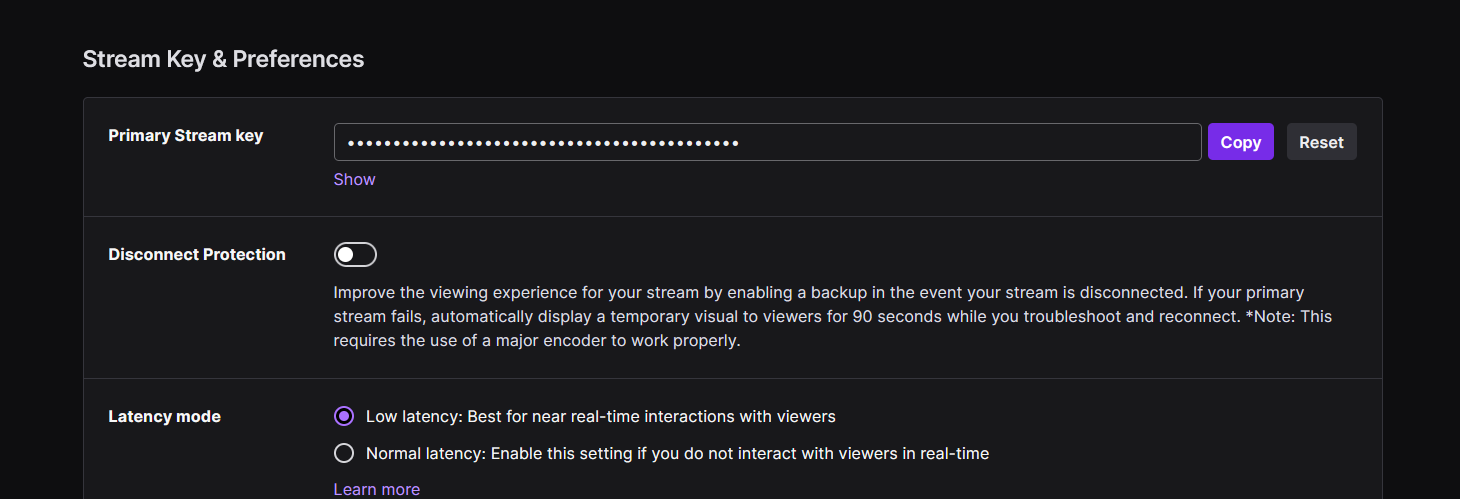
Step 3 - Copy primary stream key
Step 4 - Choose Twitch ingest endpoint based on your location
Click here and choose recommended URL based on your location.
The format of URLs includes a {stream_key} at the end, make sure to remove it from the URL when using on Contester Creator.
Example:
Twitch ingest endpoint:
rtmp://vie02.contribute.live-video.net/app/{stream_key}
Stream url to use in Contester Creator:
rtmp://vie02.contribute.live-video.net/app/
Step 5 - Enter destination URL and stream key as Multicasting destination on Contester Creator backoffice